Aspect Ratio
Displays content within a desired ratio. Built on the Radix UI Aspect Ratio primitive.
<div className="w-full max-w-md"> <AspectRatio ratio={16 / 9}> <DecorativeBox className="size-full" /> </AspectRatio></div>Usage
import { AspectRatio } from "@reva/ui";<AspectRatio ratio={16 / 9}>{/* content */}</AspectRatio>AspectRatio fills its parent's width and computes height from the supplied ratio. Wrap it in a width-constrained parent so it doesn't expand to the full container.
Examples
16:9
<div className="w-full max-w-md"> <AspectRatio ratio={16 / 9}> <DecorativeBox className="size-full" /> </AspectRatio></div>4:3
<div className="w-full max-w-sm"> <AspectRatio ratio={4 / 3}> <DecorativeBox className="size-full" /> </AspectRatio></div>1:1
<div className="w-full max-w-xs"> <AspectRatio ratio={1}> <DecorativeBox className="size-full" /> </AspectRatio></div>With image
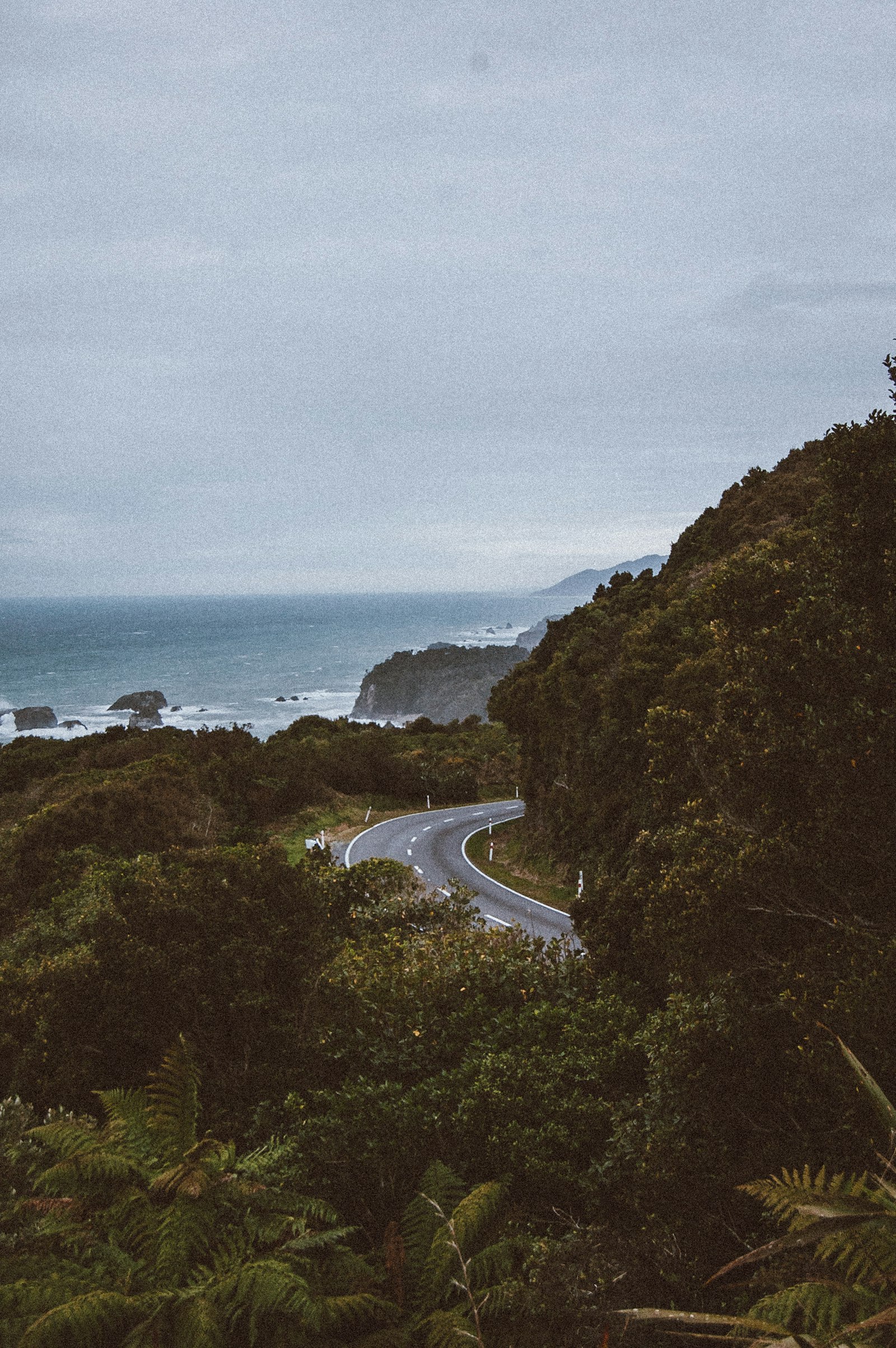
<div className="w-full max-w-md"> <AspectRatio ratio={16 / 9} className="overflow-hidden rounded-md bg-muted"> <img alt="Photo by Drew Beamer" src="https://images.unsplash.com/photo-1535025183041-0991a977e25b?w=800&dpr=2&q=80" className="size-full object-cover" /> </AspectRatio></div>With iframe
<div className="w-full max-w-md"> <AspectRatio ratio={16 / 9} className="overflow-hidden rounded-md border"> <iframe title="Me at the zoo" src="https://www.youtube-nocookie.com/embed/jNQXAC9IVRw" allow="accelerometer; clipboard-write; encrypted-media; gyroscope; picture-in-picture" allowFullScreen className="size-full" /> </AspectRatio></div>Props
| Prop | Type | Default | Description |
|---|---|---|---|
ratio | number | 1 | Width-to-height ratio (e.g. 16 / 9). |
asChild | boolean | false | Render the child element instead of the default div. |